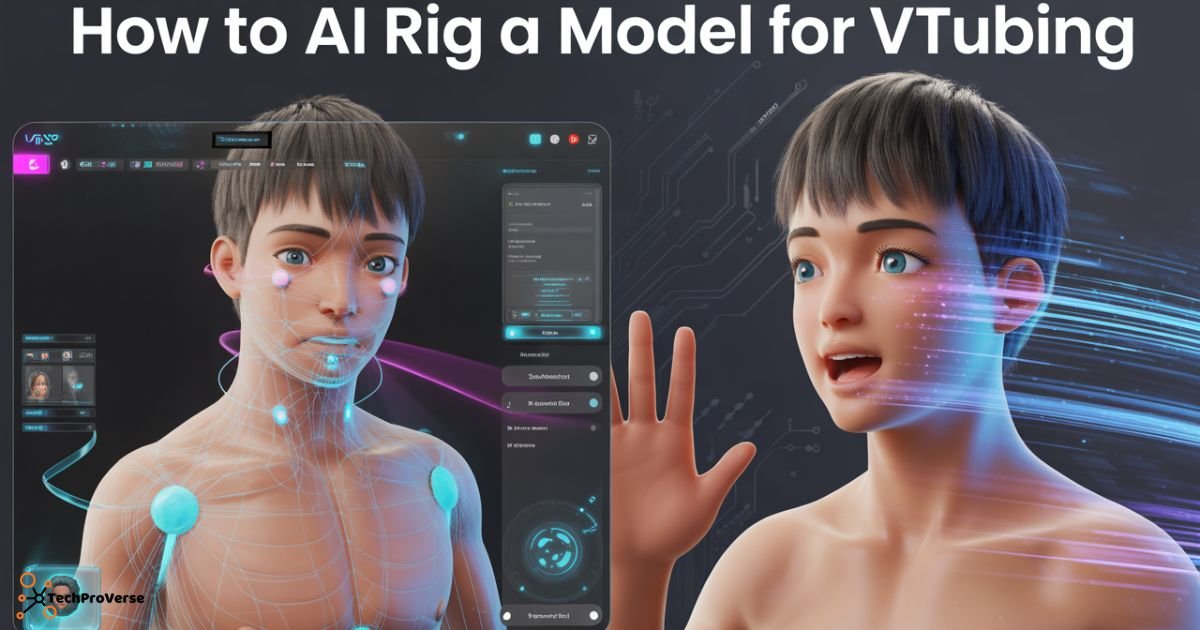
Getting started with VTubing can feel overwhelming, especially when you’re trying to understand how to AI rig a model for VTubing without getting lost in technical steps. With modern AI tools, creators no longer need advanced animation skills your 2D or 3D character can come to life using automated motion tracking, face detection, and intelligent rigging systems. This has made VTubing easier, faster, and more affordable for beginners and professionals alike.
In today’s creator economy, learning how to AI rig a model for VTubing has become one of the best ways to build a personal brand, start a streaming channel, or create content without showing your real face. AI-based rigging gives smoother expressions, more accurate lip syncing, and natural movements while saving hours of manual work. Whether you’re a gamer, streamer, tech blogger, or digital artist, AI-powered VTubing can boost your creativity and help you stand out.
What Is AI Rigging for VTubing?
AI rig a model for VTubing is the process of using artificial intelligence to automatically assign bones, weights, and motion logic to your 2D or 3D model. Instead of manually rigging every joint, AI tools streamline tasks like AI face tracking, AI motion capture, and generating realistic expressions. This makes animation smoother and removes hours of technical work. When learning how to AI rig a model for VTubing, these smart systems help creators achieve pro-level results much faster.
Behind the scenes, AI analyzes your model’s structure, predicts deformation points, and maps motion from your webcam or mocap device to your avatar. Because AI learns movement patterns, beginners can get polished animations without understanding complex rigging systems.
How AI Rigging Works Behind the Scenes
AI-powered tools use machine learning algorithms to study facial expression rigging, mesh topology, and joint movement. The software then auto-generates bones, assigns weights, and adapts the rig so your avatar can track your real expressions in real time.
Why AI Rigging Makes VTubing Easier for Beginners
Instead of spending days fixing weight painting issues or incorrect deformations, beginners get a clean, ready to use setup. AI reduces mistakes, shortens the learning curve, and boosts VTubing real-time animation even on low budget hardware.
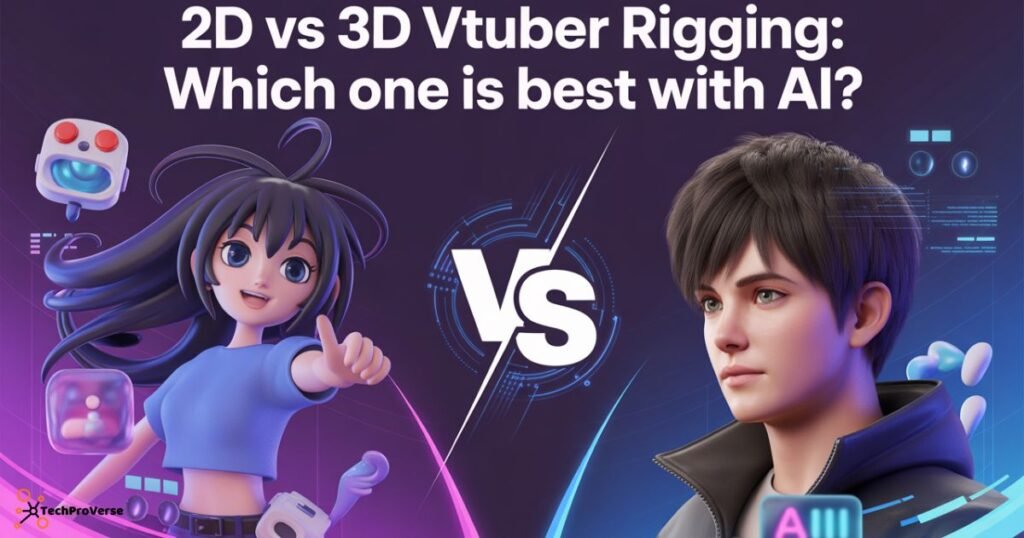
2D vs 3D VTuber Rigging: Which One Is Best with AI?
Choosing between 2D and 3D rigging depends on the style you want and how much motion you need. Both work beautifully with AI, but each offers a different workflow. When learning how to AI rig a model for VTubing, 2D is usually easier for beginners, while 3D offers more depth and realism. AI assisted platforms reduce complexity for both styles, though Live2D AI rigging often provides a smoother start.
For creators who love expressive anime-style characters, 2D VTubing offers cleaner workflows and integrates seamlessly with webcam based tracking using tools like Live2D Cubism or VTube Studio. It’s lightweight, fast, and ideal for streamers who want simplicity.
However, 3D models shine when using advanced AI motion capture and body tracking available in VRoid Studio, Daz3D , or MetaHuman Creator especially if you prefer dynamic movement or cinematic animation while you AI rig a model for VTubing.
When to Choose Live2D (2D)
Opt for 2D if your goal is expressive facial animations, smoother stream performance, and simpler rigging with fewer technical steps. You can use Live2D Cubism for creation and VTube Studio for real-time tracking.
When to Choose 3D Models
Choose 3D when you want full-body movement, dynamic scenes, or compatibility with platforms like VRoid Studio , Daz3D, iClone , or Unreal Engine for advanced retargeting and motion capture.
Tools You Need to AI Rig a VTuber
The right tools make a huge difference. Thankfully, you don’t need expensive gear; plenty of AI-assisted rigging software works perfectly for beginners. These tools automate rigging workflow steps, making the process faster and less intimidating.
You can mix free and paid options depending on your goals. Beginner VTubers often start with free AI tools and later upgrade as their content grows. Hardware also matters Webcams or mocap devices influence tracking accuracy.
Best Free & Paid AI Rigging Tools
Popular choices include:
- Live2D Cubism + VTube Studio
- VSeeFace (AI tracking)
- VRoid Studio
- Blender Auto-Rig Pro
- Unity AI plugins
Recommended Hardware for Smooth Tracking
A 1080p webcam is enough, but for sharper tracking calibration, creators often upgrade to 60fps webcams or budget mocap suits.
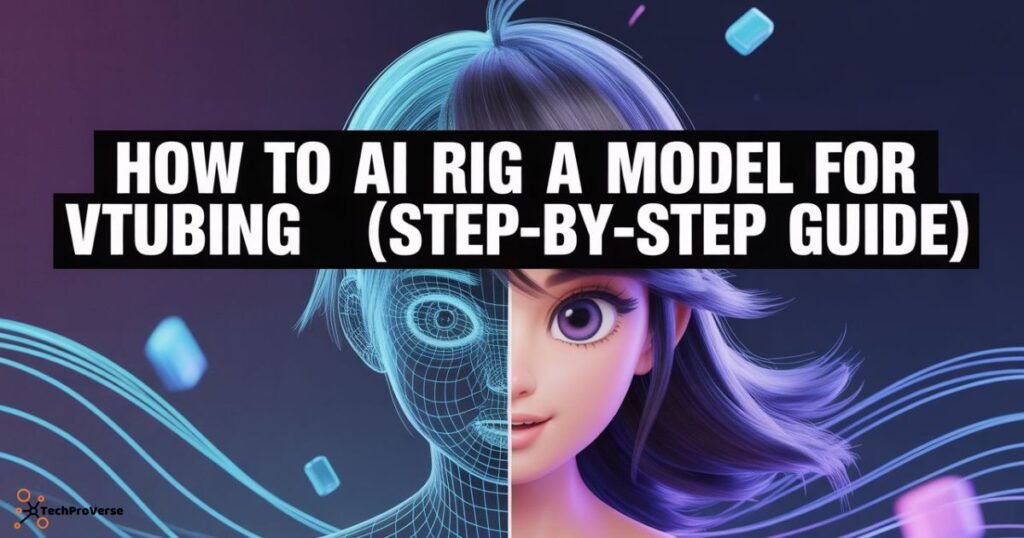
How to AI Rig a Model for VTubing (Step-by-Step Guide)
This step-by-step workflow is the core of learning how to AI rig a model for VTubing. Follow each stage carefully to avoid common mistakes and ensure clean movement. AI does a lot of heavy lifting, but fine tuning still matters for perfect animation.
Think of it as building a foundation good preparation leads to smoother expressions, better character retargeting, and fewer issues during streaming.
Preparing Your PSD or 3D Model
Ensure your model has clean mesh topology, separated layers (for 2D), and clearly defined facial landmarks. This prevents deformation issues later.
Setting Up Your Face & Body Tracking
Connect your webcam or mocap device. AI tools like VSeeFace or Rokoko map your real movements to the avatar using machine learning.
Auto-Rigging With AI Tools
Import your model into your chosen AI software. The tool will automatically assign bones, weights, and expressions, drastically reducing manual work.
How to Rig 2D VTuber Models Using AI
2D VTubing is one of the fastest-growing categories because auto rigging tools simplify complex rigging tasks. AI analyzes your PSD layers, predicts joint behavior, and builds a natural motion structure using deformers and blend shapes.
This method ensures that your 2D avatar reacts smoothly to head tilts, blinks, and lip syncing. It also avoids inconsistencies caused by manual bone placement.
AI-Powered Live2D Workflow
AI maps your face motion and automatically assigns parameters like eye blinking, mouth forms, and body sway.
Common 2D Rigging Mistakes to Avoid
Avoid messy layers, duplicated elements, or incorrect pivot placements these cause jitter and unnatural expressions.
How to Rig 3D VTuber Models Using AI
3D rigging combines AI prediction and traditional rigging tools to create lifelike movement. AI identifies mesh flow and assigns weights, making it easier for beginners to avoid deformation problems. 3D VTuber rigging also benefits from AI for lip sync and body tracking.
With modern AI-assisted tools, even complex 3D models can be rigged in a fraction of the time it used to take.
VRoid Studio Models Rigging
VRoid models are easiest to auto rig because they follow a clean, standard skeleton layout.
MetaHuman & Daz3D AI Rigging
These platforms offer high detail faces, and AI rigging auto maps blendshapes for advanced expression tracking.
Blender / Unreal / iClone Retargeting Tips
Use auto-retargeting with AI motion libraries to map animations seamlessly across platforms.
Customization Ideas to Personalize Your VTuber Model
Once your rig is ready, customization helps you stand out. Think of this step as adding your personality into your digital character not just visually, but through movement and expressions. When you learn how to AI rig a model for VTubing, this customization stage becomes even more powerful because AI gives you more control and smoother animations.
Small enhancements create big emotional impact something especially useful for streamers trying to build audience loyalty. Unique gestures, physics, and expressive emotes make your avatar feel alive and instantly memorable.
Expressions, Physics & Motion Enhancements
Add hair bounce, body sway, custom emotes, and blended expressions for natural reactions.
How to Improve Facial Tracking Accuracy
Increase lighting, use a better webcam, and calibrate your tracking to reduce jitter during streams.
AI Rigging Optimization Tips for Real-Time Streaming
Smooth performance is crucial for a professional streaming experience. Heavy rigs cause lag, while optimized models deliver crisp motion even on modest setups. Streamers aiming for high quality animation must tweak their rigs to balance beauty and efficiency.
Optimization ensures your AI-driven avatar moves naturally without hiccups, maintaining immersion for viewers.
Reducing Lag & Improving FPS
Trim unnecessary bones, reduce texture sizes, and remove unused blend shapes to boost performance.
Best Settings for OBS, VTube Studio & Animaze
Lower anti-aliasing slightly, enable GPU acceleration, and maximize capture FPS for fluid animation.
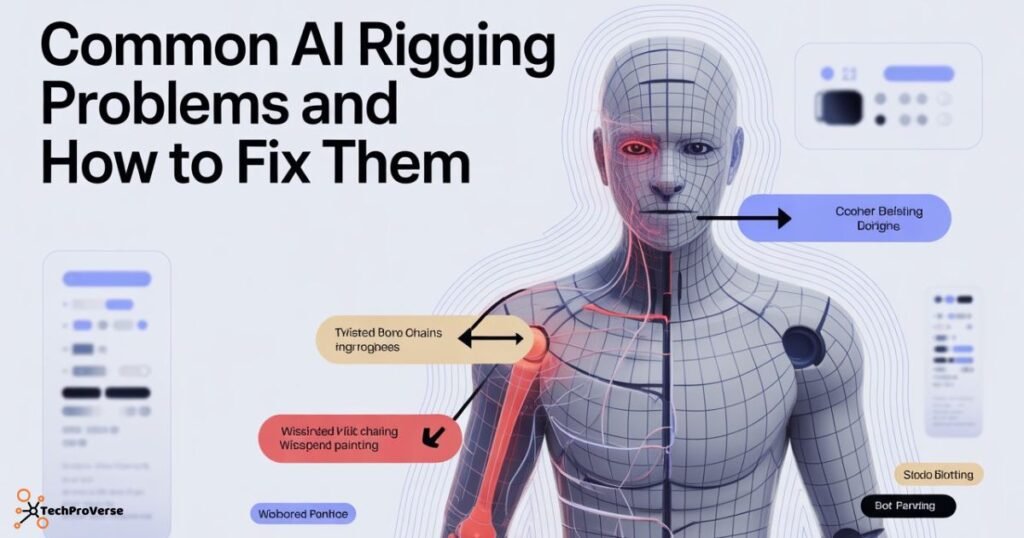
Common AI Rigging Problems and How to Fix Them
Creators often face issues like jittery movements, misaligned bones, lagging expressions, or poor deformation. These problems usually stem from unclean mesh flow, incorrect layer setups, or low-quality tracking input. AI makes rigging easier, but it still requires some human correction.
Solutions include fixing mesh topology, adjusting weights manually, improving lighting, recalibrating tracking tools, or re importing clean layers. With proper refinement, even stubborn problems can be resolved quickly.
What to Do After Your VTuber Model Is Fully Rigged?
Once your model is rigged and tested, you can bring it into your VTubing software and set up your streaming environment. This is where your character truly comes alive. Think of it as the final stage before going live preparation here leads to smoother shows.
Perform multiple tests, check lip sync accuracy, and confirm expressions react naturally to your real movements. After that, it’s time to showcase your new virtual persona to your audience.
Testing Your Model Before Streaming
Try exaggerated motions to detect clipping, deformation, or delayed expressions.
Setting Up for YouTube, Twitch & TikTok
Prepare scenes, add overlays, adjust lighting, and integrate your avatar into your live setup.
Conclusion
Learning how to AI rig a model for VTubing doesn’t have to be complicated. With the right tools, smart workflows, and a bit of creativity, you can build a professional, expressive, and fully animated VTuber avatar without needing advanced rigging skills. AI handles the hard parts leaving you free to focus on storytelling, personality, and content creation.
Related Headings:
How to Protect Your Data Online: Complete Guide for 2025
ChatGPT vs Google Gemini: Which AI Chatbot Will Win
Top Free Deepfake AI Tools You Can Try Today
5 Best ChatGPT Alternatives
10 Free AI Weather Models Directory for Accurate Forecasting
Frequently Asked Questions.
1. Can AI make me a VTuber model?
Yes, AI can create VTuber models using tools like Live3D, Veadotube AI, and ReadyPlayerMe, which generate characters automatically from prompts or images.
2. Can AI rig a model?
Yes, AI can fully rig a model by automating face tracking, expressions, and bone setup through tools like Live2D AI Rigging and 3D auto-riggers.
3. What do VTubers use to rig models?
Most VTubers use Live2D Cubism, VTube Studio, or VRoid Studio, while some prefer AI-based riggers for faster and smoother setup.
4. Can ChatGPT make a VTuber model?
ChatGPT cannot generate the visual model itself, but it can create prompts, guide you through the process, and help you design character concepts.
5. What app should I use to make a VTuber model?
For beginners, VRoid Studio and Live2D Cubism are the best apps to create VTuber models, while Live3D and VTube Studio work great for AI rigging and streaming.

Welcome to TechProVerse! I’m Abdullah, a WordPress and front-end developer, as well as an SEO researcher with 1.5 years of experience. I help websites get built, optimized, and rank higher on Google. Let’s achieve more together!