Why Small Businesses Can’t Ignore Computer Support Anymore
Most small businesses today run almost entirely on computers. Emails, invoicing, cloud tools, customer records, and internal communication—everything depends on systems working properly. When something breaks, work comes to a halt. When security is weak, the damage can be much worse.
This is precisely why small business computer support is crucial. It is not only about fixing a PC when it stops working. It is about keeping daily operations running, protecting business data, and avoiding expensive disruptions that small companies often cannot afford.
From my experience, businesses usually realize the importance of IT support after something goes wrong. Unfortunately, by then the damage is already done.
What Is Small Business Computer Support?
In simple terms, small business computer support includes professional services that help companies manage, secure, and maintain their computers and IT systems.
The purpose is straightforward:
- Keep systems stable and usable
- Protect sensitive business information
- Reduce downtime caused by technical issues
- Support growth without technical bottlenecks
Instead of reacting to problems, good computer support focuses on prevention.
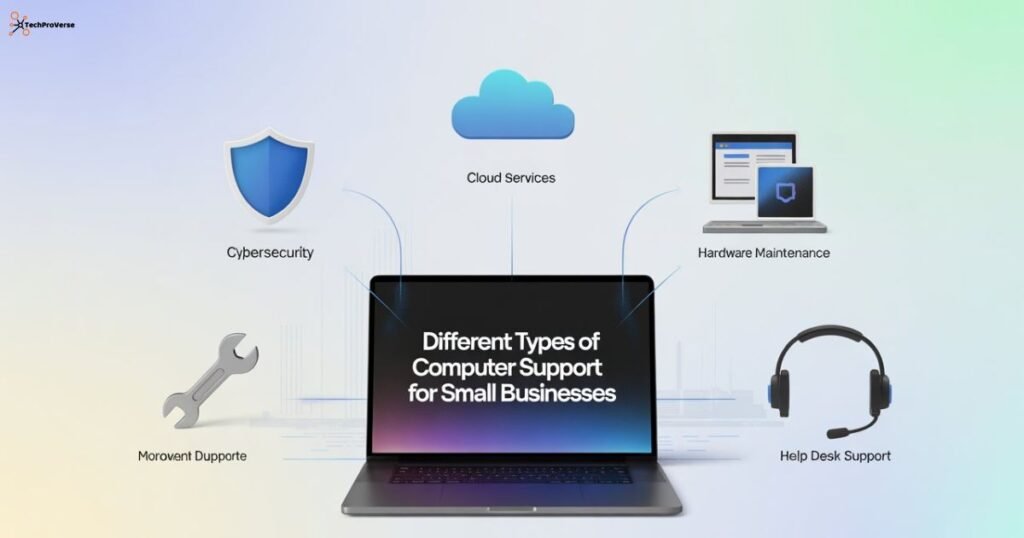
Different Types of Computer Support for Small Businesses
On-Site Computer Support
This is the traditional form of support where technicians visit your office. It is commonly used for:
- Hardware failures
- Network setup and security checks
- Physical device troubleshooting
On-site support is still useful, especially when hardware is involved.
Remote Computer Support
Remote support allows technicians to access systems securely over the internet. This approach has become common today as more businesses look for faster and more practical ways to get technical help.
- Faster
- Cost-effective
- Ideal for software and security issues
Tasks like malware removal, updates, and system optimization can often be handled remotely without interrupting work.
Managed support is a more complete solution. Instead of calling for help when something breaks, a provider actively monitors systems all the time.
Managed IT support usually includes:
- Continuous system monitoring
- Cybersecurity protection
- Regular updates and maintenance
- Scheduled data backups
For many small businesses, this approach provides peace of mind and predictable costs.
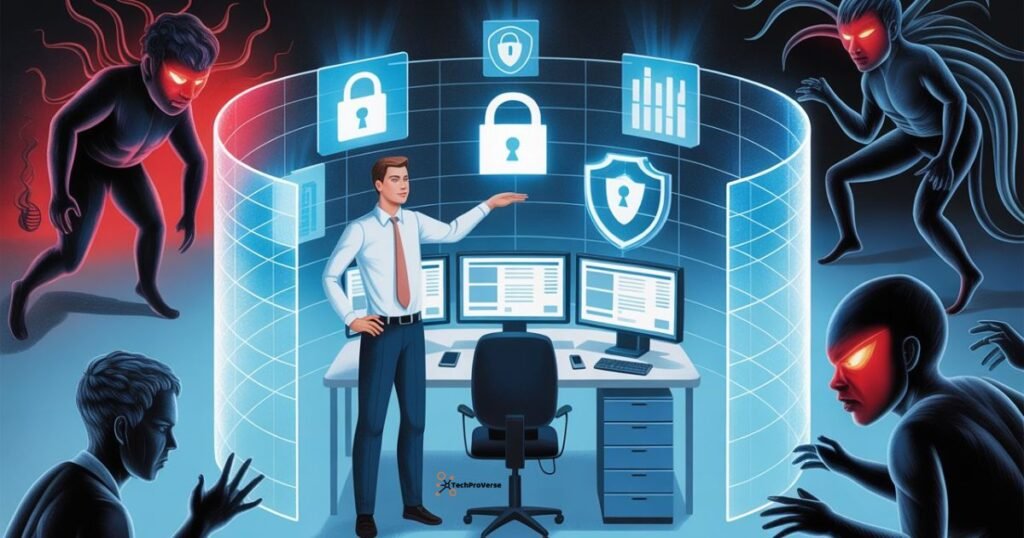
How Computer Support Helps Protect Small Businesses from Cyber Threats
There is a common myth that hackers only target large corporations. In reality, small businesses are targeted more often because they usually have weaker security.
Common Cyber Risks Small Businesses Face
- Ransomware is locking critical files
- Phishing emails tricking employees
- Poor password practices
- Unsecured laptops and remote devices
- Data breaches exposing customer information
Even one successful attack can cause serious financial and reputational damage.
The Role of Computer Support in Cybersecurity
Professional computer support reduces risk by:
- Securing every device with endpoint protection
- Managing firewalls and antivirus systems
- Keeping software updated and patched
- Monitoring unusual system behavior
Real example:
A small creative agency once ignored system updates for months. One outdated plugin allowed ransomware to spread across their network. They lost access to client files for days. A managed IT provider could have stopped the attack before it started.
Core Services Included in Small Business Computer Support
| Service Area | Why It Matters |
| Network security | Prevents unauthorized access |
| Data backup and recovery | Protects against data loss |
| Email and cloud security | Reduces phishing risks |
| System maintenance | Improves performance |
| Proactive monitoring | Stops problems early |
Network and System Security
This includes firewall setup, secure Wi-Fi configuration, and access controls to limit who can see sensitive data.
Data Backup and Disaster Recovery
Automatic backups ensure that even after an attack or failure, data can be restored quickly.
Cloud and Email Security
Spam filtering and phishing protection reduce the chances of employees clicking dangerous links.
Hardware and Software Maintenance
Regular system checks keep devices running smoothly and reduce unexpected failures.
Managed Computer Support vs In-House IT
| Aspect | Managed IT Support | In-House IT |
| Cost | Fixed monthly fee | High long-term expense |
| Security tools | Advanced | Often limited |
| Availability | 24/7 monitoring | Office hours |
| Flexibility | Easy to scale | Hard to adjust |
Practical insight:
For most small businesses, managed support offers stronger protection without the cost of hiring full-time IT staff.
Choosing the Right Computer Support Provider
When selecting a provider, look beyond pricing.
Experience in Small Business Security
The provider should understand the specific risks small companies face.
Continuous Monitoring
Cyber incidents do not wait for business hours. Around-the-clock monitoring is essential.
Compliance and Data Protection
If you handle customer data, your provider must follow proper security and privacy standards.
Key Benefits of Professional Computer Support
Better Cybersecurity
Strong protection against ransomware, malware, and phishing attacks.
Less Downtime
Problems are fixed before they disrupt daily work.
Scalable IT Infrastructure
Support grows alongside the business without major changes.
Frequently Asked Questions
Is computer support necessary for small businesses?
Yes. Even small teams manage valuable data and rely heavily on technology.
How much does small business computer support cost?
Costs vary, but managed support is usually more affordable than hiring in-house staff.
Can computers fully prevent cyber attacks?
No system is perfect, but professional support significantly lowers the risk.
Related Headings:
How to Protect Your Data Online: Complete Guide for 2025
Zero-Day Vulnerability News 2025: Urgent Threats, Active Attacks & Patch Alerts
How to Detect Phishing Attacks
How to Protect Your Data Online: Complete Guide for 2025
Best Antivirus Software for PC 2025
Beginner’s Guide to Blue Team Cybersecurity
Endpoint Security for Small Business: Complete Protection Guide for 2026
Final Thoughts
Small business computer support is no longer optional. It plays a direct role in security, productivity, and long-term stability.
Businesses that invest early in reliable IT support avoid many common problems and can focus on growth instead of constant technical issues. In a digital environment where threats continue to increase, secure and well-managed systems are a competitive advantage, not a luxury.

Welcome to TechProVerse! I’m Abdullah, a WordPress and front-end developer, as well as an SEO researcher with 1.5 years of experience. I help websites get built, optimized, and rank higher on Google. Let’s achieve more together!