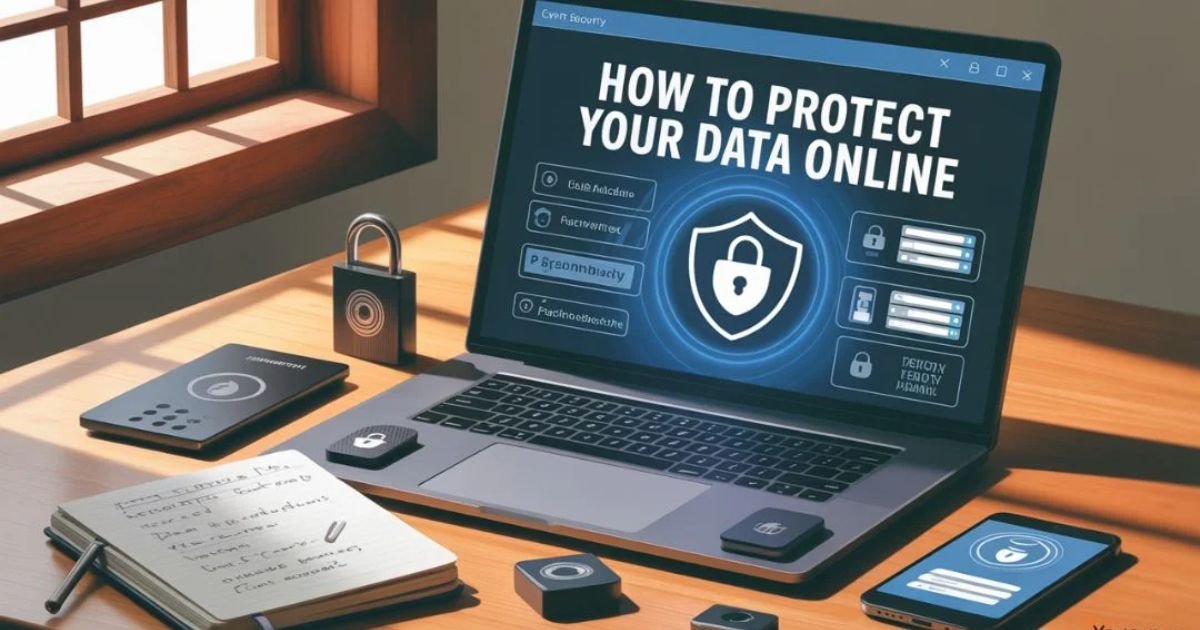
How to Protect Your Data Online:
In today’s digital world, knowing how to protect your data online is more important than ever. Every day, cybercriminals target individuals and businesses, trying to steal personal information. A single mistake, like using weak passwords or connecting to unsecured networks, can lead to a serious data breach. Understanding personal information security and following internet safety tips helps safeguard your accounts, devices, and online activity. From securing your social media profiles to using strong passwords and monitoring for unusual activity, taking proactive steps is essential. Learning how to protect your data online ensures you can enjoy the internet safely while keeping sensitive information out of the wrong hands.
Understand the Importance of Online Data Protection
Every day, cybercriminals target individuals and companies to steal data. When a data breach occurs, personal details like emails, passwords, and financial information can be exposed. Understanding the risks helps you prioritize internet safety tips and identity theft protection. Millions of Americans are affected annually, making it critical to safeguard your personal data. Taking steps to protect sensitive information can save you from financial loss and emotional stress.
Online privacy tips 2025 emphasize the importance of personal vigilance. Knowing how to avoid oversharing online and monitoring where your data goes is crucial. Even legitimate websites can store more information than necessary, making cyber safety for families a top priority. By understanding these risks, you can implement tools and practices to keep your digital life secure. For more details, visit FTC’s Privacy & Security Guidance.
Use Strong and Unique Passwords for Every Account
Passwords are the first line of defense against cybercriminals. Using strong passwords with a combination of letters, numbers, and symbols can greatly reduce the risk of hacking. Avoid easily guessed details like birthdays or common words. Change passwords regularly and use a password manager to create and store unique passwords for every account. This ensures that even if one account is compromised, others remain safe.
Creating a unique password for each account is essential for personal information security. Your email, banking, and social media accounts should never share the same password. A password manager helps generate complex combinations while keeping them secure. Remember, keeping data safe from hackers starts with strong, individualized passwords and knowing how to protect your data online.
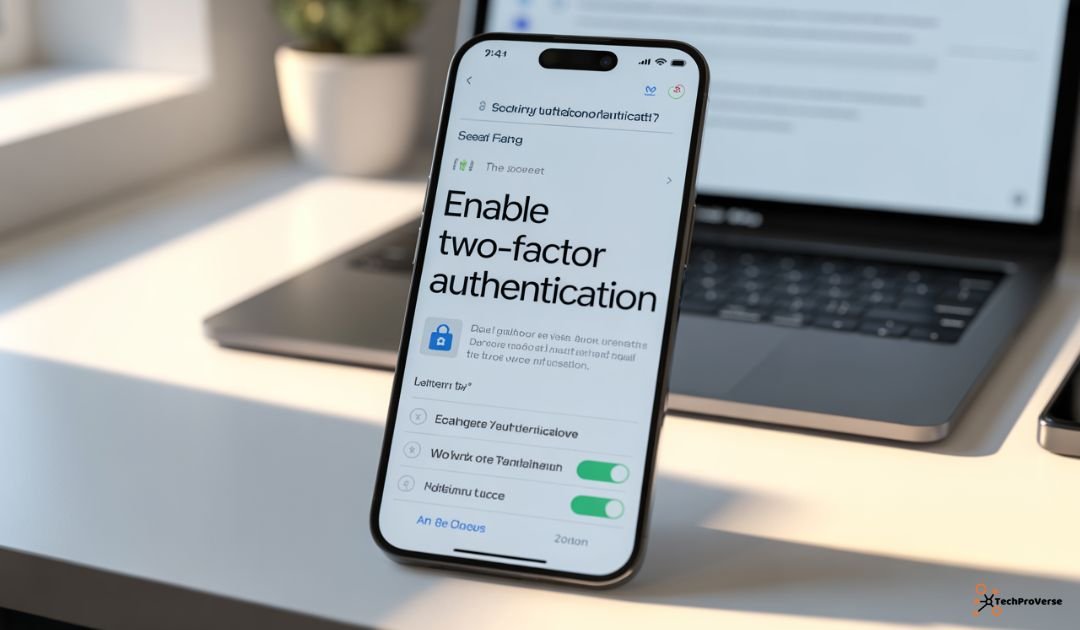
Enable Two-Factor Authentication (2FA) Everywhere Possible
Two-factor authentication adds an extra layer of protection. Even if a password is compromised, 2FA requires a second verification step, usually via an app or SMS. This dramatically lowers the risk of unauthorized access. Most services, including Gmail, Facebook, and banking apps, support 2FA.
By enabling 2FA, you actively protect your accounts online and prevent identity theft. Tools like Google Authenticator or Authy make the process simple. Using secure devices and monitoring for suspicious activity strengthens your online security and helps you understand how to protect your data online effectively.
Keep Your Devices and Software Up to Date
Hackers often exploit outdated software to steal personal information. Installing updates for your OS, apps, and browsers fixes vulnerabilities. Regular updates are essential for secure online browsing and online transactions. Without updates, cybercriminals can exploit weaknesses to access your sensitive data.
Anti-virus software and firewall protection work best on up-to-date devices. Enable automatic updates on phones, laptops, and tablets. Keeping software current is an easy yet powerful way to protect sensitive information and prevent hacking online.
Be Cautious with Public Wi-Fi and Networks
Free public Wi-Fi is convenient but risky. Hackers can intercept data on unsecured networks, putting your personal information security in danger. Using a VPN or waiting to log into sensitive accounts from a secure network is safer. Even small online purchases on public Wi-Fi can expose credit card data.
Avoid logging into financial accounts on public networks. Free Wi-Fi security awareness is vital for safe online practices. Always check for secure websites (HTTPS) before entering personal information. These habits help prevent online fraud and keep your data secure, reinforcing how to protect your data online.
Protect Your Personal Information on Social Media
Oversharing personal details online makes you vulnerable to hackers. Review privacy settings and avoid posting your location, birthday, or phone number. These steps improve social media privacy and help safeguard your personal data.
Even small details like pet names or schools can be used for hacking. Being cautious and limiting access is part of digital safety tips. Carefully choose friends or followers to protect your online identity. Following these practices is a crucial part of how to protect your data online.
Recognize and Avoid Phishing Scams and Suspicious Links
Phishing scams trick you into sharing sensitive data. Emails or messages from unknown sources may contain links or attachments that look legitimate. Always beware of suspicious links and attachments and verify the sender before clicking. Recognizing phishing attempts is vital for internet safety tips.
Phishing often targets bank accounts, email, and social media. Watch for small mistakes like spelling errors or unusual URLs. Educating yourself strengthens your personal data protection guide and prevents identity theft online, a critical step to how to protect your data online.
Use Secure and Encrypted Connections (HTTPS & VPNs)
Secure websites (HTTPS) encrypt data, making it harder for hackers to access. Always look for the lock symbol before entering personal information. Using a VPN adds extra protection, especially on public networks.
Encrypted connections protect online transactions and safeguard your personal data. VPNs hide your IP, making it difficult for cybercriminals to track you. Combining HTTPS websites and VPNs is one of the most effective ways to secure your online shopping and protect your data online.
Regularly Back Up Your Important Data
Backing up files ensures that lost or compromised data can be restored. Cloud services and local storage both provide options for protecting sensitive information. Regular backups reduce the impact of a data breach or ransomware attack.
Schedule backups and keep multiple copies in different locations. This is vital for personal information security and online transactions safety. Regular backups help ensure you can keep data safe from hackers and understand how to protect your data online.
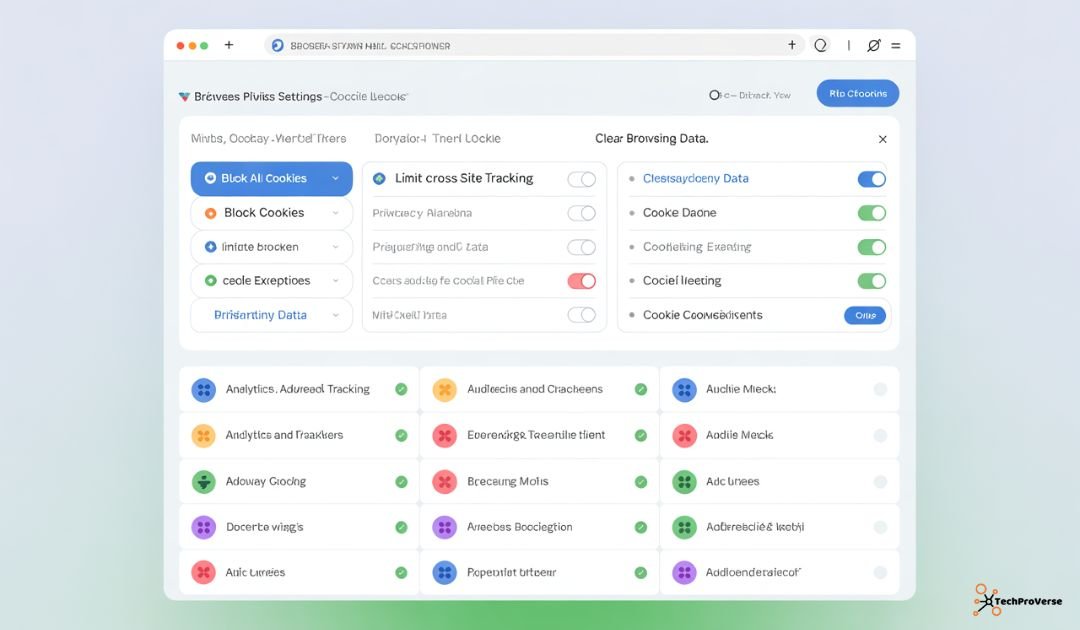
Manage Cookies, Trackers, and Online Privacy Settings
Websites track activity through cookies and trackers. Reviewing browser privacy settings helps limit data collection and enhances online privacy tips for 2025. Controlling trackers protects personal information security.
Browser extensions can block ads and trackers, ensuring secure online browsing. Adjusting settings regularly lets you monitor for cyber threats and safeguard your accounts, a key strategy for how to protect your data online.
Limit Data Sharing with Third-Party Apps and Services
Many apps request access to unnecessary data. Limit permissions to only what’s essential. Doing so improves social media privacy and strengthens your personal data protection guide.
Excessive data sharing increases the risk of a data breach. Auditing connected apps regularly helps protect against online fraud. Being selective about what you share is essential for how to protect your data online.
Consider Using Password Managers and Security Tools
Password managers simplify strong password creation and store them safely. Using them with anti-virus software and firewall protection ensures robust cybersecurity for individuals.
Security tools alert you to threats and suspicious logins. Using these consistently helps safeguard your personal data, protect your accounts online, and prevent identity theft online, making it easier to protect your data online proactively.
Monitor Your Accounts for Suspicious Activity
Regularly checking accounts for unusual activity can catch breaches early. Many banks and online services offer alerts for suspicious logins or transactions. Monitoring accounts is essential for identity theft protection and to prevent hacking online.
By staying vigilant, you can protect sensitive information and secure your devices. Quick action reduces the impact of cybercriminal activity and strengthens overall internet safety tips, helping you understand how to protect your data online.
Stay Educated About the Latest Online Threats
Cyber threats constantly evolve, so staying informed is crucial. Follow trusted cybersecurity blogs, government websites, and tech news outlets to learn about new attack methods. Continuous education is part of digital safety tips and cyber safety for families.
Being aware of trends helps you avoid oversharing online and implement safe online practices. Subscribe to alerts from CISA or FTC to never miss updates. Knowledge is one of the strongest defenses in how to protect your data online.
Conclusion
Protecting your personal information online is no longer optional. By using strong passwords, two-factor authentication, and secure browsing habits, you can keep data safe from hackers. Updating devices, monitoring accounts, and staying informed ensures personal information security. These online privacy tips 2025 will help you confidently protect your accounts online and maintain safe online practices. For more digital security tools and productivity advice, check out our AI Marketing Tools and AI Tools for Small Business guides.
Related Headings:
Best Antivirus Software Ultimate Guide for Maximum Protection
Beginner’s Guide to Blue Team Cybersecurity
Managed Security Service Provider (MSSP): Complete Guide in 2025
AI Safety News 2025: Latest Updates, Risks, Regulations, and Global Developments
Zero-Day Vulnerability News 2025: Urgent Threats, Active Attacks & Patch Alerts
Cybersecurity Compliance: A Complete Guide for Modern Tech Businesses
ChatGPT vs Google Gemini: Which AI Chatbot Will Win in 2025?
Frequently Asked Questions (FAQs)
Q: What are 8 ways to stay safe online?
To stay safe, follow how to protect your data online tips like using strong passwords, enabling 2FA, avoiding public Wi-Fi, updating software, using VPNs, checking HTTPS, being aware of phishing, and backing up data.
Q: What is the best data protection?
The best data protection involves using encryption, secure passwords, and trusted security tools that follow how to protect your data online.
Q: How do I stop someone from using my data?
You can stop unauthorized access by learning how to protect your data online — use privacy settings, monitor accounts, and avoid sharing sensitive information.
Q: How to make sure your internet is private?
Ensure privacy by applying how to protect your data online methods such as using a VPN, browsing secure websites (HTTPS), and blocking trackers.
Q: How do I make my mobile data private?
To make mobile data private, follow how to protect your data online practices like turning off location sharing, using app permissions carefully, and updating your phone regularly.

Welcome to TechProVerse! I’m Abdullah, a WordPress and front-end developer, as well as an SEO researcher with 1.5 years of experience. I help websites get built, optimized, and rank higher on Google. Let’s achieve more together!