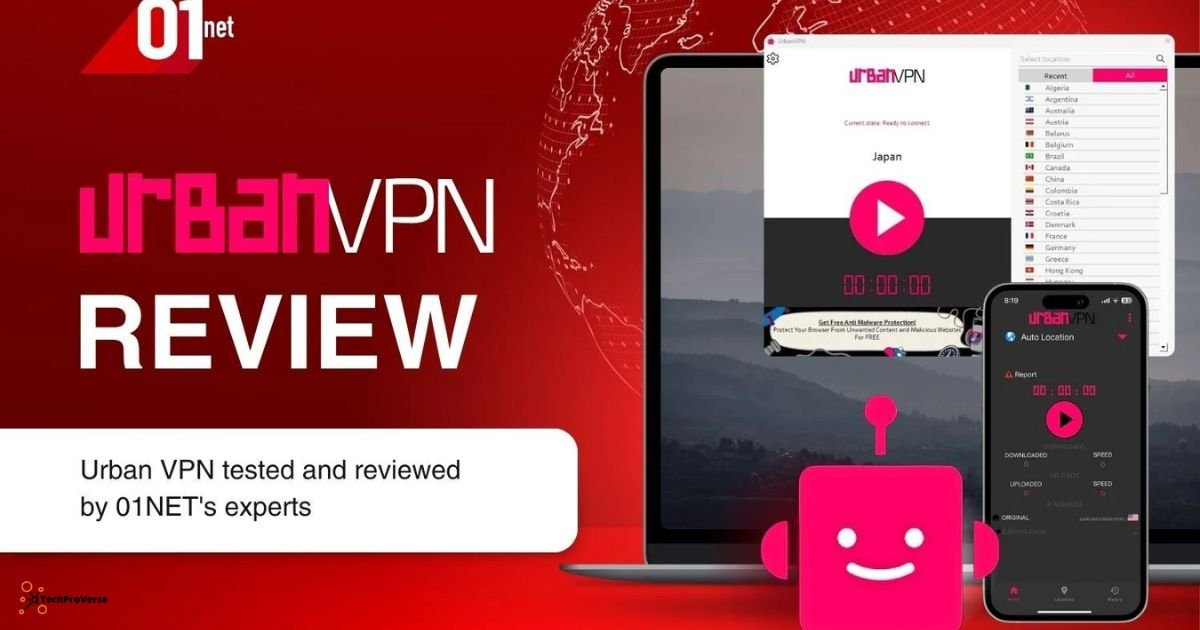
In the year 2025, using a VPN has become a normal part of online life, especially for those in the U.S. who want privacy or access to blocked websites. If you try to understand how to use Urban VPN, this guide will walk you through every step in simple, human language. It works on Windows, Mac, Android, iPhone, Chrome, Firefox, and Edge, making it one of the easiest free tools to start with. Urban VPN is popular because it’s free, fast to install, and doesn’t require any sign-up. Thousands of people use it daily to mask their IP address and bypass regional blocks.
Understanding Urban VPN: What It Is and How It Operates
Urban VPN is a free tool that masks your real IP address to help you unblock geo-restricted websites. As opposed to other classic paid VPN services, it connects via a peer-to-peer network, meaning that users share network resources. This approach makes the tool fast and flexible, but raises some questions about privacy.
That’s very simple: you install the extension or app, pick a country, and your IP changes in a second. A lot of people in the U.S. rely on it to open region-locked websites, basic streaming, and casual browsing, enjoying basic protection online. It is not designed for high-security activities or encrypted communication, so keep that difference in mind.
This is useful especially when bypassing filters, viewing restricted content, or reducing simple tracking across websites.
Is Urban VPN Safe to Use in 2025?
Urban VPN is safe enough for casual activity but not meant for sensitive or private work. It does offer a no-logs claim, but because it operates through a shared network, your traffic may pass through other users.
Good for
- Basic online privacy
- Accessing geo-blocked content
- Masking your IP for simple tasks
- Quick identity hiding
Not good for
- Banking
- Work-related sensitive data
- High-security browsing
- Private communication
While exploring how to use Urban VPN for everyday tasks, you should remember that it works best for casual browsing and light online activity.
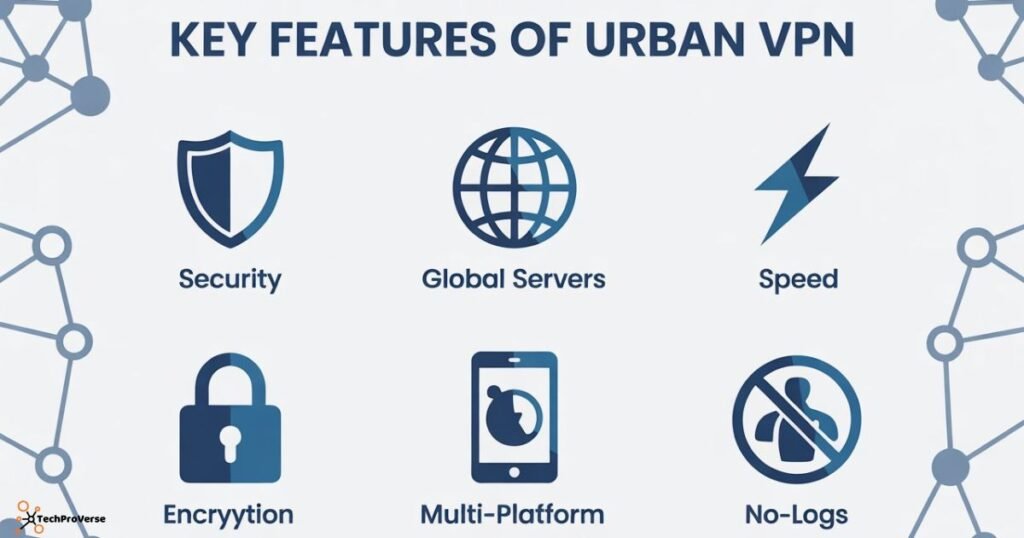
Key Features of Urban VPN
Urban VPN includes several features that attract people wanting free access:
Main Features:
- Unlimited bandwidth
- Easy location switching
- No device restrictions
- Simple interface
- Quick installation
Limitations:
- No advanced encryption
- Peer-to-peer routing may affect privacy
- No independent audits
- Not suitable for sensitive activities
Even though it’s not as secure as premium VPNs, many U.S. users still choose it for everyday web access.
Urban VPN vs Other VPN Options (Comparison Table)
| VPN Tool | Best For | Key Features | Safety Level |
|---|---|---|---|
| Urban VPN | Free browsing | P2P network, unlimited bandwidth | Basic |
| Proton VPN | Privacy-focused | No-logs, strong encryption | High |
| Surfshark | Streaming & speed | Fast servers, multi-hop | High |
| hide.me VPN | Reliability | Good server locations, privacy-friendly | Medium |
This comparison gives you a clear picture of what to expect, especially when choosing how to use Urban VPN in 2025.
How to Use Urban VPN on Windows
To get started:
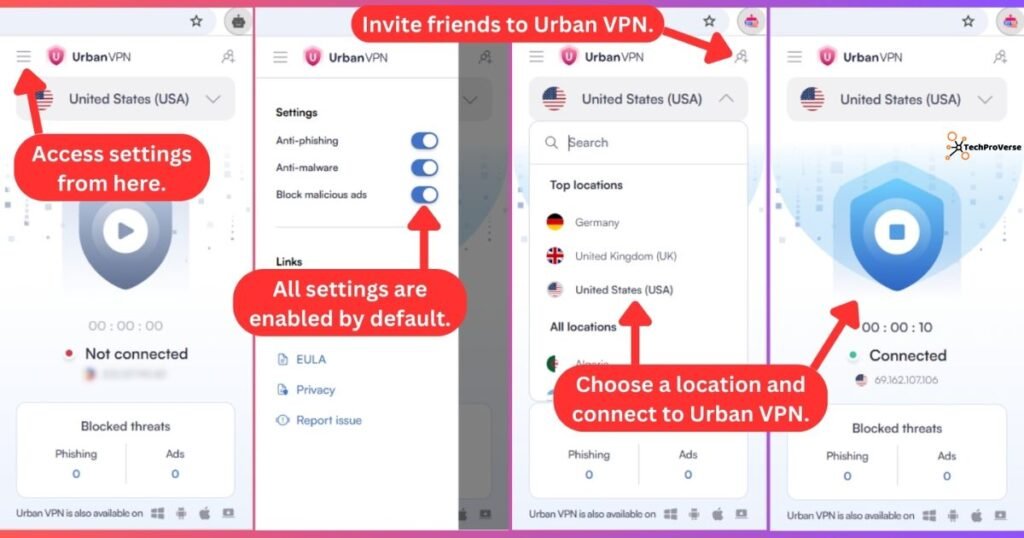
- Install the browser extension or desktop app
- Open the tool
- Pick any country from the list
- Wait for the connection to activate
- Browse with your new IP instantly
How to Use Urban VPN on Mac
Mac users can rely on the Chrome or Firefox extension since the full macOS app is not always available.
Steps:
- Add the extension
- Click the Urban VPN icon
- Pick your preferred country
- Connect instantly
Mac performance is stable for browsing and location switching, though heavy streaming may see slight delays.
How to Use Urban VPN on Android
The Android version is easy to use:
- Download the app
- Open it
- Select a country
- Connect in one tap
It works well for unlocking websites or accessing restricted apps. Many users prefer this setup when learning how to use Urban VPN on mobile devices.
How to Use Urban VPN on iPhone (iOS)
On iPhone, the app connects with a single tap.
Steps:
- Install from the App Store
- Allow VPN permissions
- Choose your desired location
- Stay connected in the background
iOS may run slightly slower due to system-level restrictions, but it works fine for casual activity.
How to Use Urban VPN on Chrome
Chrome offers the simplest experience:
- Install extension
- Click the icon
- Choose a country
- Connect immediately
Chrome often delivers smoother and faster VPN performance than other browsers.
How to Use Urban VPN on Firefox
Firefox users benefit from built-in privacy protections.
Steps:
- Add the extension
- Open the icon
- Pick a region
- Connect instantly
Performance is good, though some locations may load more slowly.
How to Use Urban VPN on Microsoft Edge
Because Edge is optimized for Windows, speeds are often better.
Steps:
- Install extension
- Tap the flag icon
- Choose any country
- Start browsing
It is a reliable option for quick location switching.
Speed, Performance & Server Locations
Urban VPN generally provides good speeds for basic browsing. However, during peak hours, some servers may slow down. It is not built for heavy or encrypted usage, but it works well for everyday tasks.
Pros and Cons of Urban VPN
Pros
- Free to use
- Unlimited bandwidth
- Many countries available
- Easy to set up
- Works on all major platforms
Cons
- Limited security
- No strong encryption
- No transparency reports
- Peer-to-peer routing
Most U.S. users rely on it only for simple daily tasks, such as learning how to use Urban VPN for region switching.
Common Issues and How to Fix Them
Slow Speeds
- Try a nearby country
- Restart the extension
- Refresh your browser
Connection Drops
- Reinstall the app or extension
- Restart device
- Switch servers
DNS Leaks
- Disconnect and reconnect
- Select a different server
- Use Chrome or Edge for better stability
Related Headings:
How to Protect Your Data Online: Complete Guide for 2025
How to Detect Phishing Attacks
Managed Security Service Provider (MSSP): Complete Guide in 2025
How to Protect Your Data Online: Complete Guide for 2025
How to Use Opera GX VPN (Complete Guide)
Best Antivirus Software for PC 2025
Beginner’s Guide to Blue Team Cybersecurity
Faqs About Urban VPN.
1. How to get Urban VPN to work?
Install the Urban VPN app or browser extension, select a country, and connect to start masking your IP.
2. How do I use a VPN on Chrome?
Add the VPN extension to Chrome, click the icon, and choose a server location to connect.
3. Is Urban VPN Chrome extension free?
Yes, the Urban VPN Chrome extension is completely free to use.
4. How to use urban proxies?
Urban proxies can be used by entering them into your browser or app network settings to route traffic through a different IP.
5. Does Urban VPN actually work?
Yes, it works for basic browsing, unblocking geo-restricted sites, and masking your IP, but it’s not ideal for sensitive or high-security tasks.
6. How to install Urban VPN on Chrome?
Go to the Chrome Web Store, search for Urban VPN, click Add to Chrome, then open the extension and connect to a server.
Final Thoughts:
Knowing how to use Urban VPN in 2025 is quite easy, and browsing with basic privacy, switching locations, and avoiding simple restrictions is a breeze. It continues as one of the most used free VPN options for daily Internet use in the USA. Though it doesn’t offer strong encryption or advanced protection, in instances of normal tasks such as streaming, browsing, or accessing blocked websites, it works well. For important work, encrypted communication, and private data, you should always choose a premium VPN. For casual use, Urban VPN provides simplicity and convenience.

Welcome to TechProVerse! I’m Abdullah, a WordPress and front-end developer, as well as an SEO researcher with 1.5 years of experience. I help websites get built, optimized, and rank higher on Google. Let’s achieve more together!